

Step 1: Get Your API Key
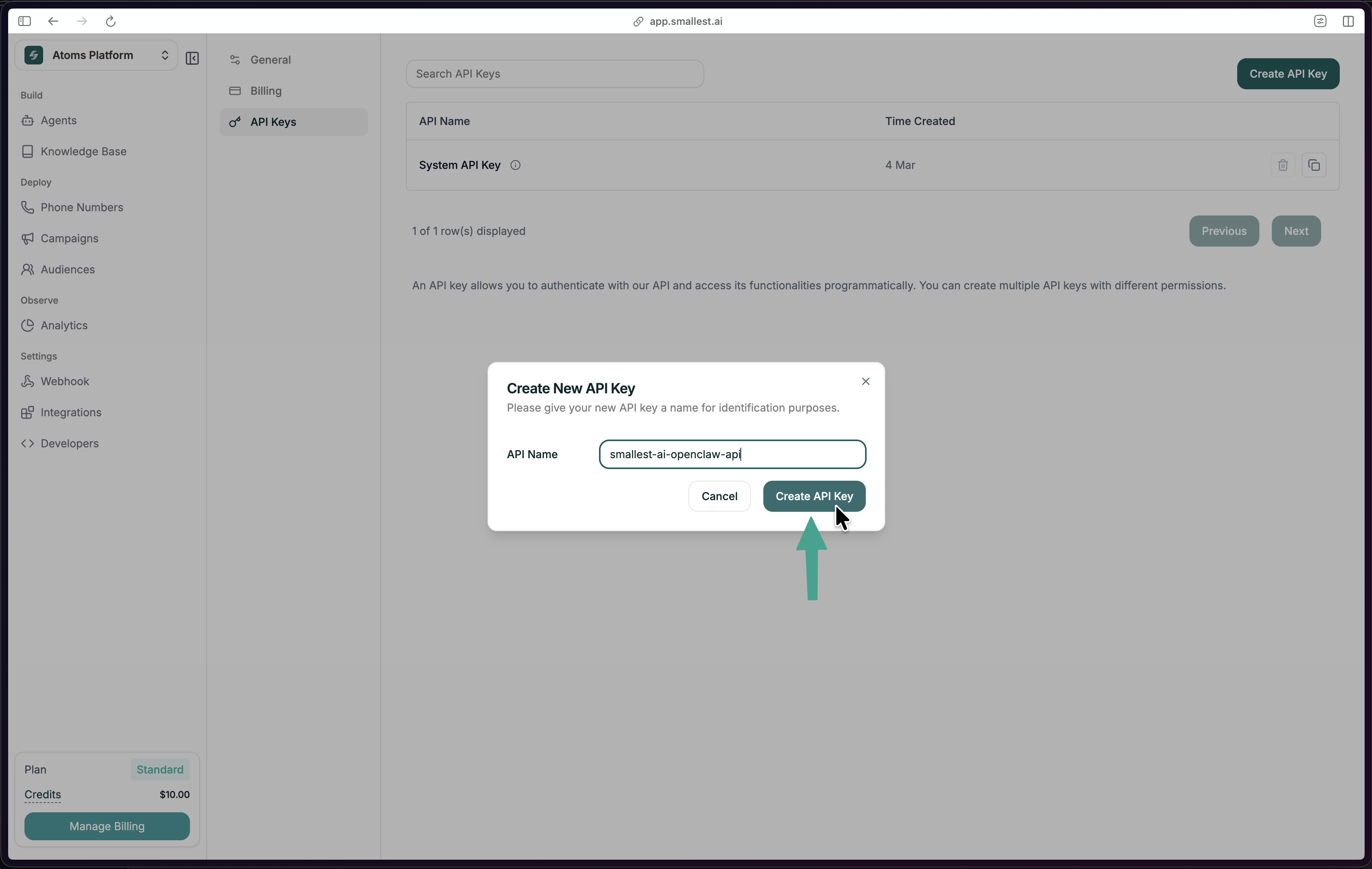
In the Smallest AI Console, go to Settings → API Keys and click Create API Key.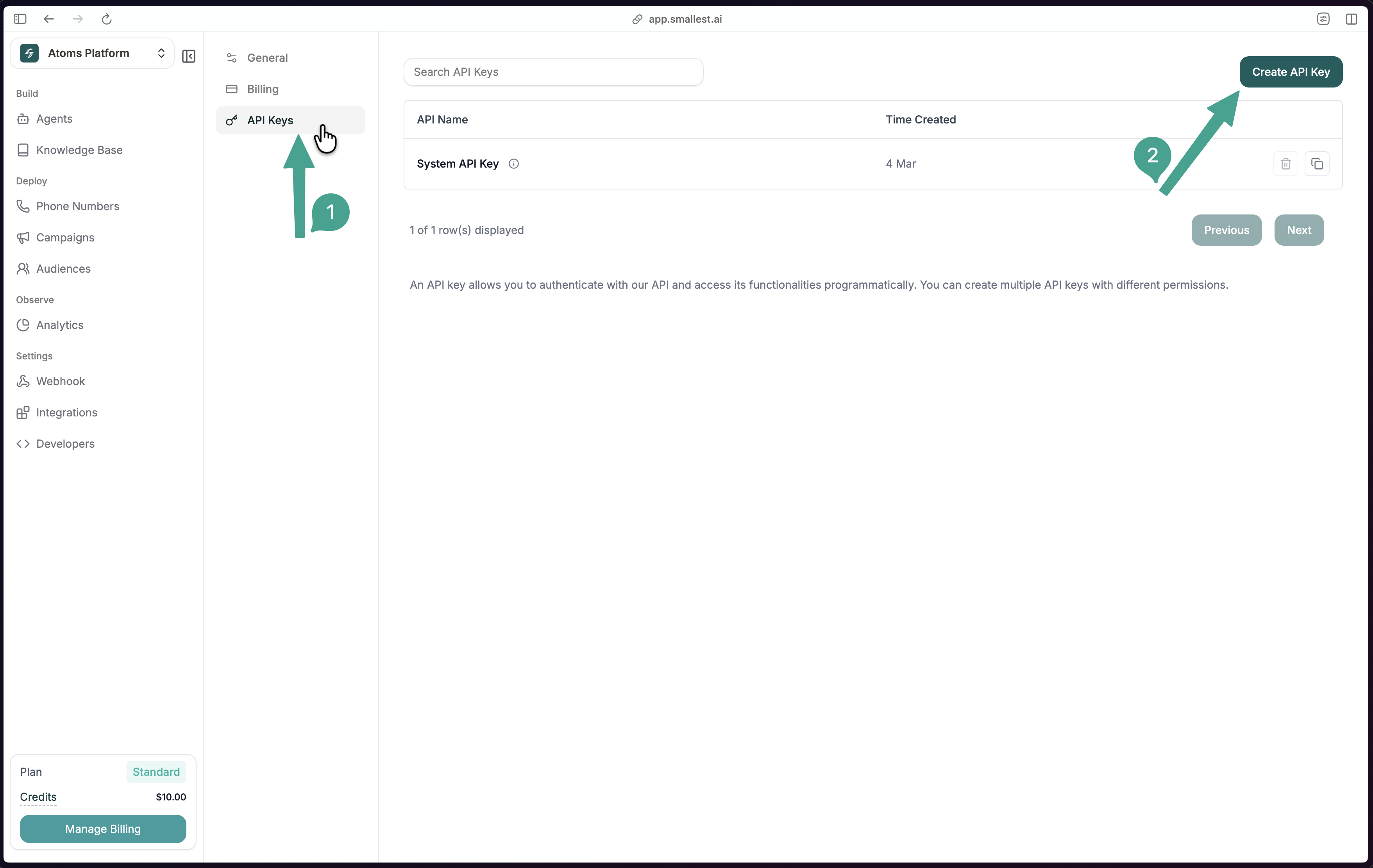
Step 2: Transcribe Audio
Here’s the sample audio we’ll transcribe: Paste this cURL — no install required:Step 3: Build It Into Your App
Step 4: Explore Features
Real-Time Transcription
Stream audio via WebSocket for live transcription.
Speaker Diarization
Identify and label different speakers.
Word Timestamps
Precise timing for each transcribed word.
Emotion Detection
Analyze emotional tone in speech.
Need Help?
Join Discord
Ask questions and get help from the community.